The world of cybersecurity sees new threats emerging daily. But on March 30, 2026, a malware was discovered that has stunned security experts. It’s called DeepLoad. This is a highly sophisticated malware loader designed not only to steal browser credentials, but its persistence mechanism is so deep and so rigorous that even standard cleanup procedures can’t eliminate it. In this article we’ll cover the full details of DeepLoad what it is, how it works and how it was discovered and how you can protect yourself from it.
This malware was first identified by security researchers Thassanai McCabe and Andrew Currie of ReliaQuest. It is not just another virus, but a threat that specifically targets enterprise environments (i.e., large companies and organizations) and once inside, it becomes so deeply ingrained that it becomes extremely difficult to remove. And sometimes it does not even get detected by antivirus software. This is a very dangerous type of malware.
What is the Deepload malware?
DeepLoad is a malware loader that is a program that first infiltrates a system and then inserts more dangerous tools or payloads. Initially this malware was designed to steal cryptocurrency wallets on dark web marketplaces. However researchers noted that it quickly shifted its focus to stealing credentials (usernames and passwords) from employees of enterprise companies or private organizations. It is a multifunctional malware.
The characteristics of this malware are:
It performs multiple functions simultaneously.
● Its evasion hiding mechanism is AI-generated making it very difficult to detect.
● It hides within legitimate Windows processes.
● And most dangerous of all it uses WMI Windows Management Instrumentation to reinfect the system after 3 days.
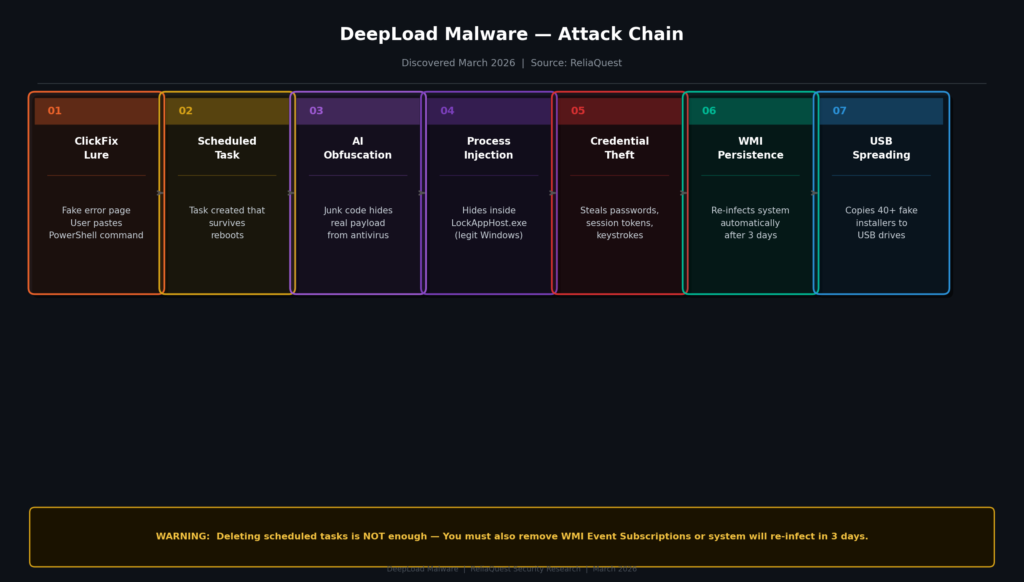
The diagram below visualizes Deepload complete 7-step attack chain. Each step is explained in detail below:
Step-by-Step Attack Chain Follow in Details
Step 1: ClickFix The First Step to Social Engineering
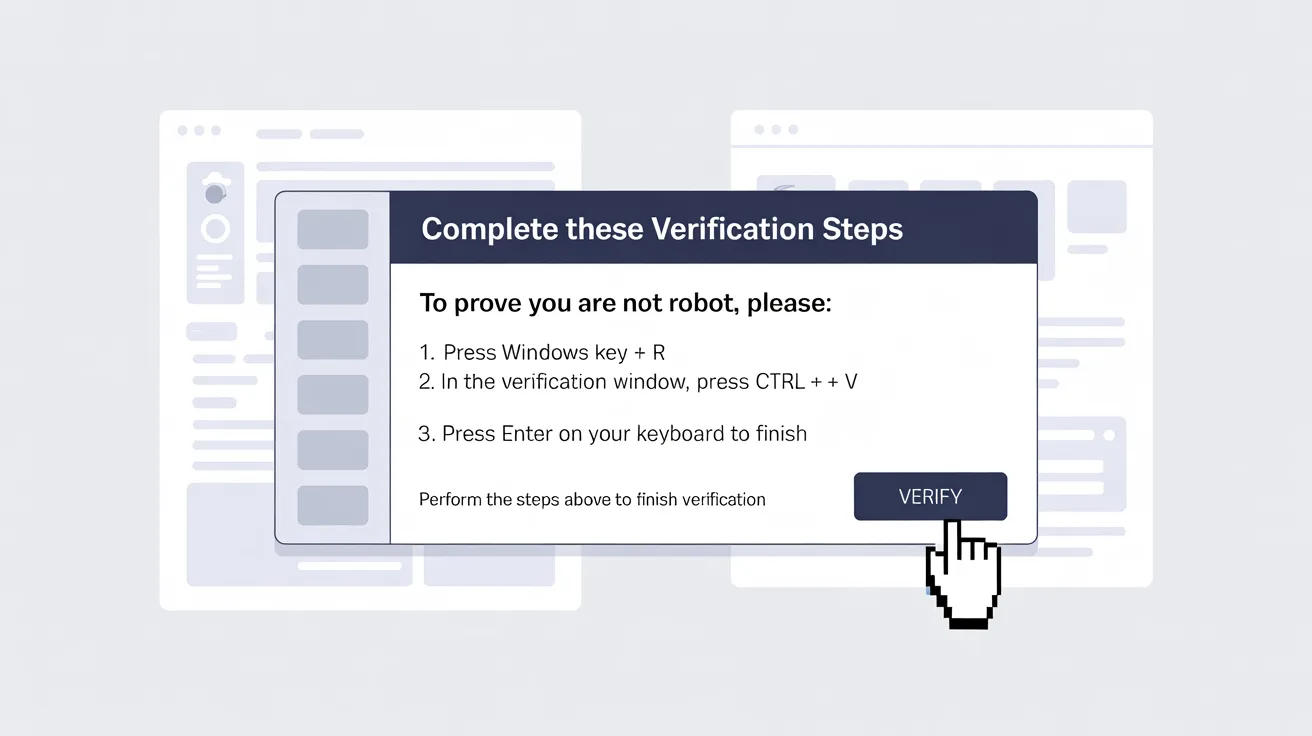
The first step of DeepLoad is social engineering. The attacker creates a fake webpage that looks exactly like a real browser error.This page displays a message saying Security verification required. Then confirm you are not a robot. Please open Windows Run and paste the following command. When a user pastes the command into the Windows Run box a single instruction:
● A persistent scheduled task is created that continues to run even after a reboot, meaning the malware remains persistent.
● An obfuscated script is downloaded via mshta.exe (a Windows built-in tool) making the malware undetectable. No antivirus software can detect it.
● The attacker’s access to the system is confirmed.
The ClickFix technique is so effective because it is executed by the user himself, so many security tools cannot block it because it is triggered by a legitimate user action. If you download this software from any tool download it from the official website. This can prevent your system from being hacked and this data breach can also occur.
Step 2: Scheduled Task Aur mshta.exe Download
When a PowerShell command is executed it creates a hidden task in the Windows Task Scheduler.This task continues to execute automatically even after a system restart. Additionally an encrypted and obfuscated script is downloaded from a remote server using mshta.exe a built-in Microsoft HTML Application Host in Windows. This is all done by the user to verify the verification they dont know this is a malware.After this the malware is fully undetectable ever antivirus is failed.
Step 3: AI-Generated Obfuscation
This step was the most baffling for researchers. DeepLoad malware actual malicious code is buried behind thousands of lines of junk code that are extremely difficult to decipher even for humans. These junk lines contain useless variable assignments, fake function calls, and meaningless loops that serve only one purpose: overloading security scanning tools and evading detection.
Researchers of ReliaQuest said that no human could write such extensive and systematic padding it was clearly generated with the help of an AI model.This technique is called AI-generated obfuscation and it represents a new and serious challenge for modern cybersecurity. Hackers create AI malware and then obfuscate it to avoid detection.
Step 4: LockAppHost.exe Process Injection
DeepLoad injects its payload into a legitimate Windows process called LockAppHost.exe.This is the process that manages the Windows lock screen. This means that if a security analyst were to look in Task Manager or Process Monitor and they would see a normal Windows process not a malware.This technique is called process hollowing or process injection and many enterprise and security tools miss it so causing them to become infected.
Step 5: filemanager.exe instantly Credential Theft
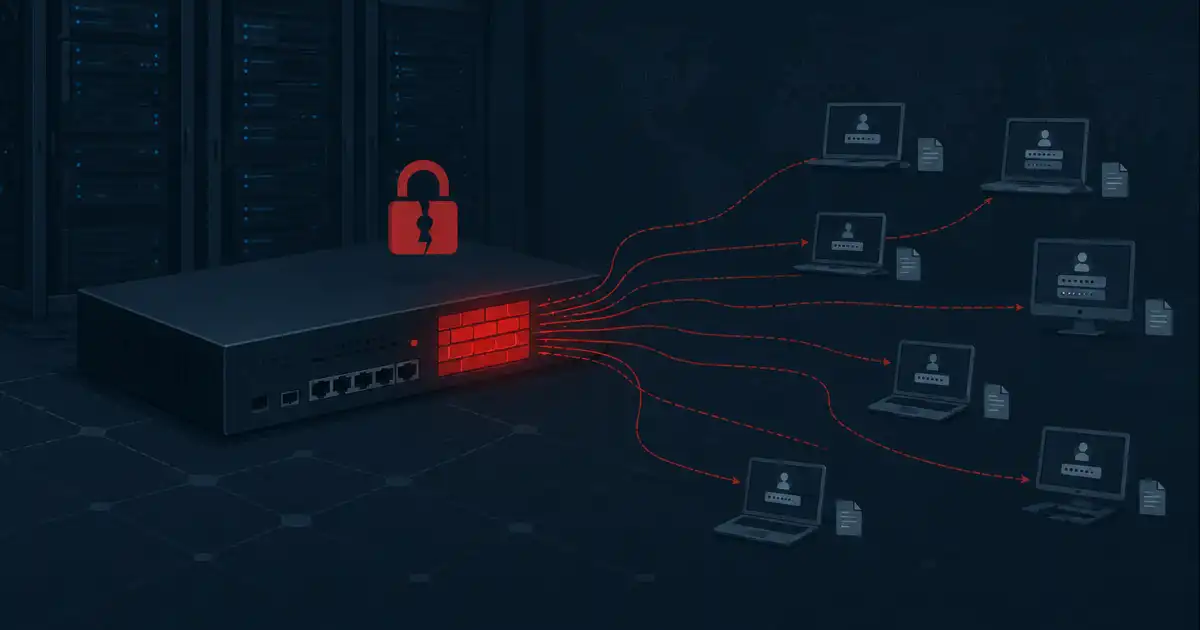
As soon as the loader is executed a separate component, filemanager.exe also starts running. This component independently connects to a separate C2 (Command & Control) server and begins stealing files and passwords:
● All passwords saved in the browser (Chrome, Firefox, Edge, all)
● Active session tokens and cookies (which can allow accounts to be unlocked without a password)
● Keystrokes that is anything the user types
● Corporate VPN credentials and internal tool logins
The most dangerous thing about this component is that even if the main loader is blocked or removed, filemanager.exe continues to operate because it operates on a separate channel. This means that even partial containment is not enough as data has already been leaked.
Step 6: WMI Event Subscription deepest persistence
This is perhaps DeepLoad’s most dangerous and unique feature. Standard malware can detect and remove it, but DeepLoad exploits Windows Management Instrumentation (WMI) event subscriptions.WMI is a powerful internal framework of Windows that system administrators use for legitimate purposes. DeepLoad creates a hidden WMI event subscription that automatically executes after a specific trigger (usually a 3-day timer) and re-infects the system without any attacker interaction.It means:
● The IT team cleans up the malware
● The system is declared safe
● A WMI trigger fires after 3 days
● The system becomes infected again
Standard incident response procedures don’t check VMI subscriptions. This is the reason for the success of this malware.
Step 7: Propagation on USB drives
DeepLoad doesn’t stop at just one system.Whenever a USB drive is inserted into a compromised system the malware writes over 40 files on it.These files are disguised as:
● Chrome_Setup.exe (Google Chromefake installer)
● Firefox_Installer.exe (fake Firefox installer)
● AnyDesk.exe (fake remote desktop app)
● And fake versions of other common software
When another user clicks on these files, a new infection cycle begins.
How to Avoid It? Defense and Mitigation
Avoiding diploid is difficult but not impossible. Here are some key steps:
● Enable PowerShell Script Block Logging this is the immediately detects suspicious PowerShell activity.
● Regularly audit WMI event subscriptions check with the Get-WMIObject -Namespace root\subscription -Class __EventFilter command.
● Rotate or change all credentials in the Post-Infection window not just passwords, but session tokens as well.
● Disable USB AutoRun enforced in the enterprise via Group Policy.
● Encrypt browser credential stores and use enterprise password managers.
● Train employees about ClickFix attacks this is the first and most effective defense.
● Set up alerts on unusual behavior of LockAppHost.exe in EDR (Endpoint Detection & Response) solutions.
Most importantly, if a system is infected with DeepLoad, simply deleting scheduled tasks and cleaning files is not enough. WMI subscriptions must be explicitly enumerated and removed, otherwise the malware will return after 3 days.
Conclusion
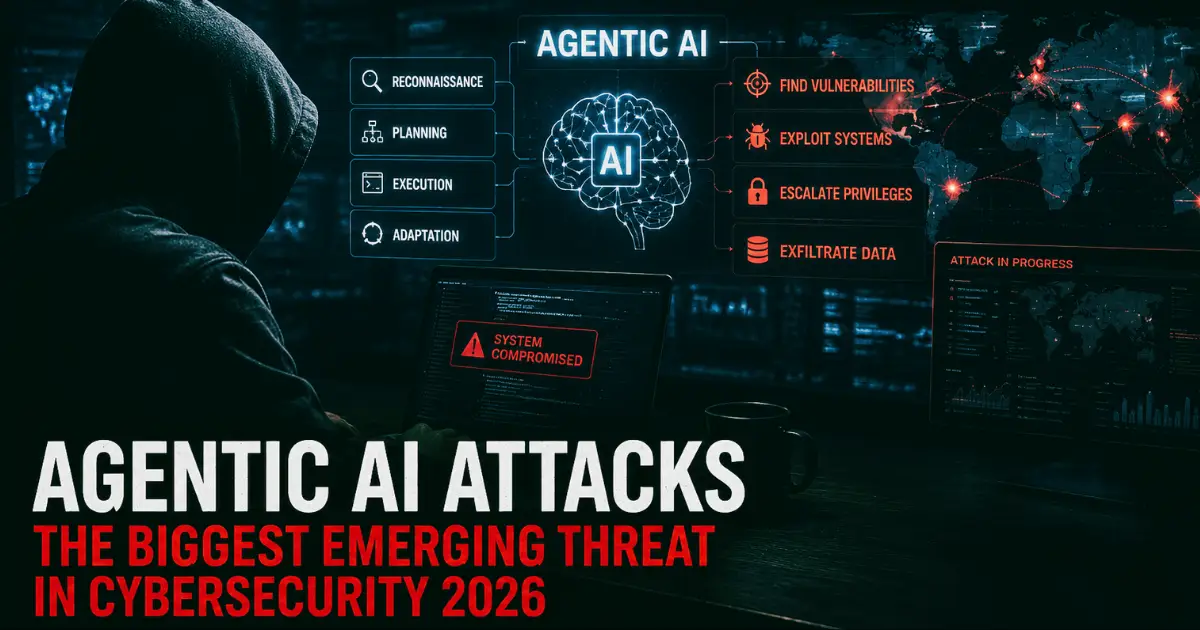
DeepLoad isn’t just another malware it’s a new cybersecurity warning. It shows that AI isn’t just helping defenders; attackers are also using it to improve their tools. The combination of AI-generated obfuscation, WMI-based persistence, and multi-stage credential theft makes this malware exceptionally dangerous.
Enterprises should update their incident response playbooks to include WMI cleanup. And ordinary users should remember that no legitimate website asks you to paste something into Windows Run. If you get such a prompt, it’s an attack. This is a way to protect your system.Cybersecurity is a constant battle. DeepLoad discovery makes it clear that threats in 2026 are more sophisticated, persistent and AI-powered than ever before. Its time for defenses to be on the same level.