In the contemporary corporate world, browser extensions have proven to be very instrumental in increasing productivity. Unfortunately, the rising cybersecurity crisis has seen these extensions transform from being very useful to being a major security threat. Recent investigations have revealed that there exists more than 300 malicious Chrome extensions whose primary intention is to steal information from unsuspecting employees and organizations. The extensions have been downloaded more than 37 million times; the question is no longer whether you are being hacked, but whether you have been hackeChrome Malicious Extensions Stealing Data
Chrome Malicious Extensions Stealing Data in 2026
Cybercriminals have shifted their focus from traditional malware to the browser. By hiding their malicios codes inside the extensions such as PDF creators, ad blockers, and fake AI assistants, they establish a foothold in your enterprise’s network. This helps them to monitor your activities silently and enable the theft data on a massive scale. Unlike other traditional viruses, these extensions can bypass traditional firewalls since they have the user’s permission.
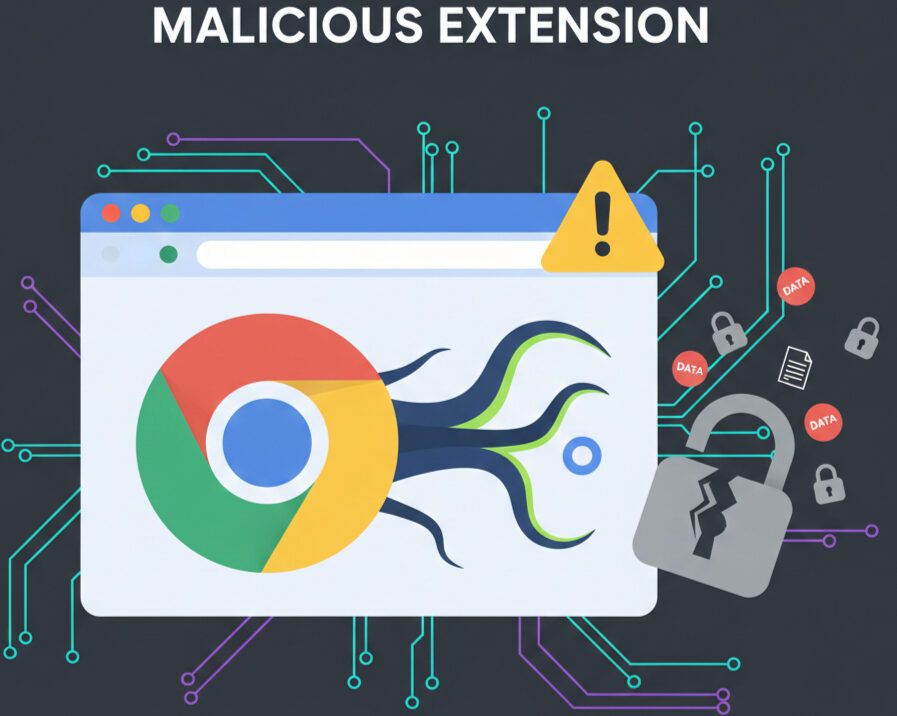
Most people hit Allow without a second thought, and that’s when the trouble starts. From that moment, the extension can:
- Grab your login tokens. Rather than snatching passwords, it steals the session cookie that keeps you logged in, letting it slip past multi‑factor authentication entirely.
- Record every keystroke. Whether you’re drafting an email to a client or typing into Slack, it logs everything you type.
- Slip in malicious links. On the sites you visit, it can quietly replace URLs, turning a legitimate link into a phishing page that looks just like your company’s portal.
- Copy sensitive files. If you upload a document to the cloud, the extension can intercept it and ship a copy to a remote server.
The Rise of Sleeper Extensions
In 2026, the most alarming trend is the emergence of sleeper extensions. They begin life as innocent, useful tools, amass a large user base, and even earn a “Featured” spot in the web store. Then, the original author might sell the code to a third party. The new owner pushes an update laden with malware. Because the extension is already installed and trusted, the change slips under the radar, and the data‑stealing engine goes to work without anyone noticing that something’s different.
High‑Risk AI and Productivity Extensions
Some tools that promise to boost your workflow actually crowd in a full set of permissions—browser tabs, email boxes, everything.
- AI Assistant for ChatGPT and Claude – a stand‑alone helper that taps into your chat history and searches.
- GPT‑5 Sidebar with Gemini Integration – lets you pull GPT‑5 and Gemini into the same pane as you work.
- AI Email Summarizer for Gmail – scans your inbox for headlines and key details.
- ChatGPT Sidebar with DeepSeek – another side‑panel that reaches out to DeepSeek.
- Smart PDF Editor and Viewer – edits PDFs while running in the background.
- AI Translation Hub – translates on demand across your active sites.
- Meeting Notes AI Transcriber – records and types meeting dialogues in real time.
Malicious Utility and VPN Tools
A handful of extensions that started as harmless helpers were later hijacked or sold to bad actors.
- VPNCity Desktop Proxy – a network relay that can be infected.
- Reader Mode Plus – cleans up pages but can redirect data.
- Autoskip for YouTube – fast‑forwards videos; the script sometimes routes traffic differently.
- Amazing Dark Mode Pro – light‑switcher with a hidden back door.
- Internxt VPN Extension – promises privacy while shipping data‑stealing code.
- Uvoice Voice Changer – alters your voice but archives it.
- VidHelper Video Downloader – claims to pull videos safely, yet files can be tampered with.
- PDF Toolbox Ultimate – an all‑in‑one PDF utility with a malicious payload.
- Bookmark Favicon Changer – changes icons, and can steal site‑specific data.
- AdBlock Pro for Chrome (Counterfeit version) – pretends to block ads but enables tracking.
Advertising and Search Hijackers
These extensions hijack your browsing path, siphon search logs, and pop up fake login forms that snag corporate credentials.
- DPS Websafe Security – “protects” sites while routing traffic through its own servers.
- Search Manager for Edge – rewrites your search results and shelves your history.
- Global Speed Controller – throttles sites under the guise of saving bandwidth, but redirects your traffic.
- Tab Manager for Professionals – group tabs efficiently, yet steals your tab‑list.
- Secure Search with AI – promises encrypted searches but logs every query.