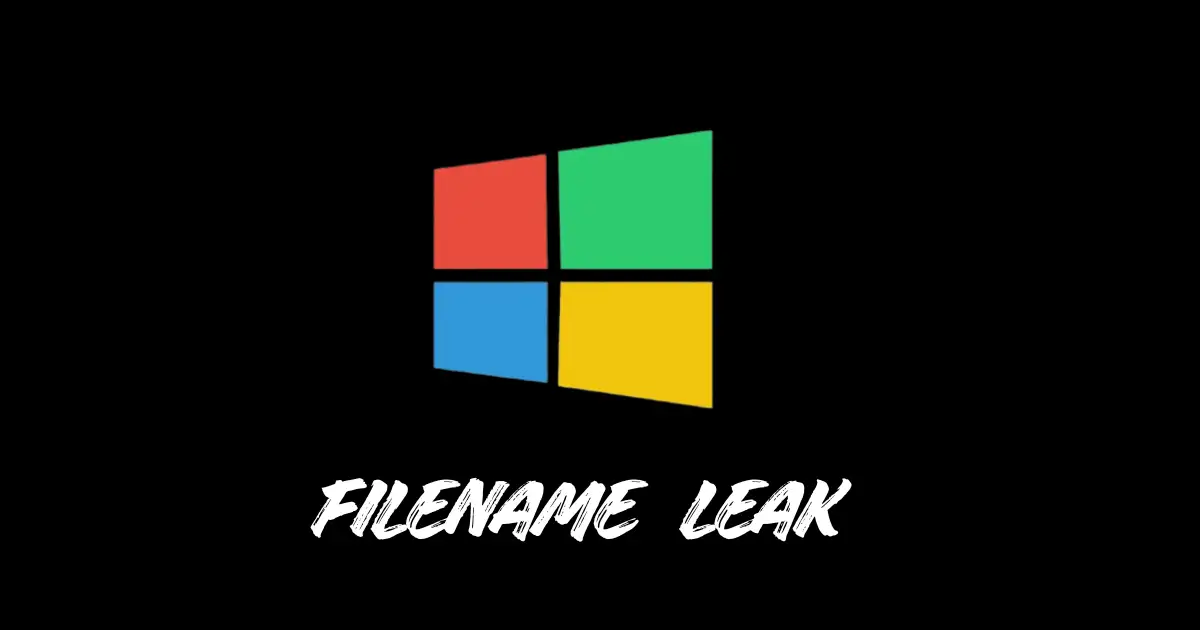
Microsoft has confirmed a cosmetic bug in the June 2026 KB5094125 security update that causes Windows to show internal Recycle Bin filenames using a dollar R prefix format instead of original filenames inside the deletion confirmation dialog across Windows 10 Windows 11 and Windows Server.
Have you ever wondered whether the confirmation box that appears on your screen when you try to delete a file from your Recycle Bin is actually telling you the truth or not? After the June 2026 update this strange thing is happening to millions of Windows users where they are not seeing the name of their original file but some internal code of the system.
Windows Recycle Bin Filename Bug Explained KB5094125
Microsoft itself has confirmed this bug and it is directly related to the security update KB5094125 that will be released on 9 June 2026. When someone tries to permanently delete a single item from the Recycle Bin the confirmation dialog shows an internal system name instead of the original filename such as some code name starting with the dollar sign R. Seeing this many people immediately suspect that maybe the data in their file has been corrupted or something wrong has happened.
But Microsoft has clarified that this issue is just for show and there is no actual technical fault. The original name of the file is clearly visible in the Recycle Bin list and if any file is restored, it also comes back with its correct name. That means there is no data loss no corruption and no security risk. This bug is being tracked in OS Build 26100.32995 and Microsoft has officially updated it in its Known Issue list on 18 June 2026.
Affected Windows Versions and Recommended Workaround Steps
The impact of this bug is very wide and is not limited to just one version. Windows 11 versions 26H1 25H2 24H2 and 23H2 are affected by it. Windows 10 version 22H2 and Enterprise LTSC 2021 LTSC 2019 and LTSB 2016 are also included in this list. Along with this Windows Server versions 2025 2022 2019 2016 2012 R2 and 2012 are also affected by this bug.
This vast array shows that this issue is not limited to home users but also extends to bare enterprise networks and critical infrastructure where long-term deployments like LTSC and LTSB are common.
In enterprise environments this can cause some confusion as help desk staff or end users may be unsure about the file name appearing in dollar R format. Automated deletion scripts that read dialog output may also be bothered by this change and their workflow may be disrupted.
Microsoft has developed a workaround for enterprise customers but achieving this requires organizations to communicate directly with Microsoft Support for Business as no public self-service fix has been released yet.
The company says a permanent fix will arrive in a future update but no specific date has been announced yet. System administrators are advised to monitor the Windows Release Health dashboard and alert their end users about this apparent difference in advance to avoid any confusion during routine file management.
Even this small thing reminds us that sometimes the biggest fear comes from the thing which is not actually dangerous but appears dangerous due to lack of understanding.